Stunning Wallpapers From The Best Free Sources
Browse HD & 4K images from Pexels, your curated gallery, or local folders. One lightweight Mac app. No account needed.
- macOS 13+ · Apple Silicon
- No Telemetry
- No Account
- Open Source
Multiple Sources, One Interface
Three ways to find your perfect wallpaper. All in one app.
Pexels
Curated stock photography. Search by keyword, browse categories. Free for personal and commercial use.
HD & 4KGallery
Your curated wallpaper collection. Browse and manage wallpapers from our online gallery — no API key needed.
CuratedLocal
Browse images from any folder on your Mac. Use your own photos as wallpapers.
Your FilesEverything You Need
Search & Browse
Category chips for quick browsing. Full-text search across Pexels. Results cached to minimize API calls.
One-Click Set
Select any image and apply it to your desktop instantly. Downloads to local cache, then sets via native macOS APIs.
Roll — Auto Rotate
Build a rotation queue from any source. Set an interval — hourly, daily, weekly. Your wallpaper evolves on its own.
Attribution Built-In
Every image displays photographer credit and source. Compliant with Pexels attribution requirements.
See It In Action
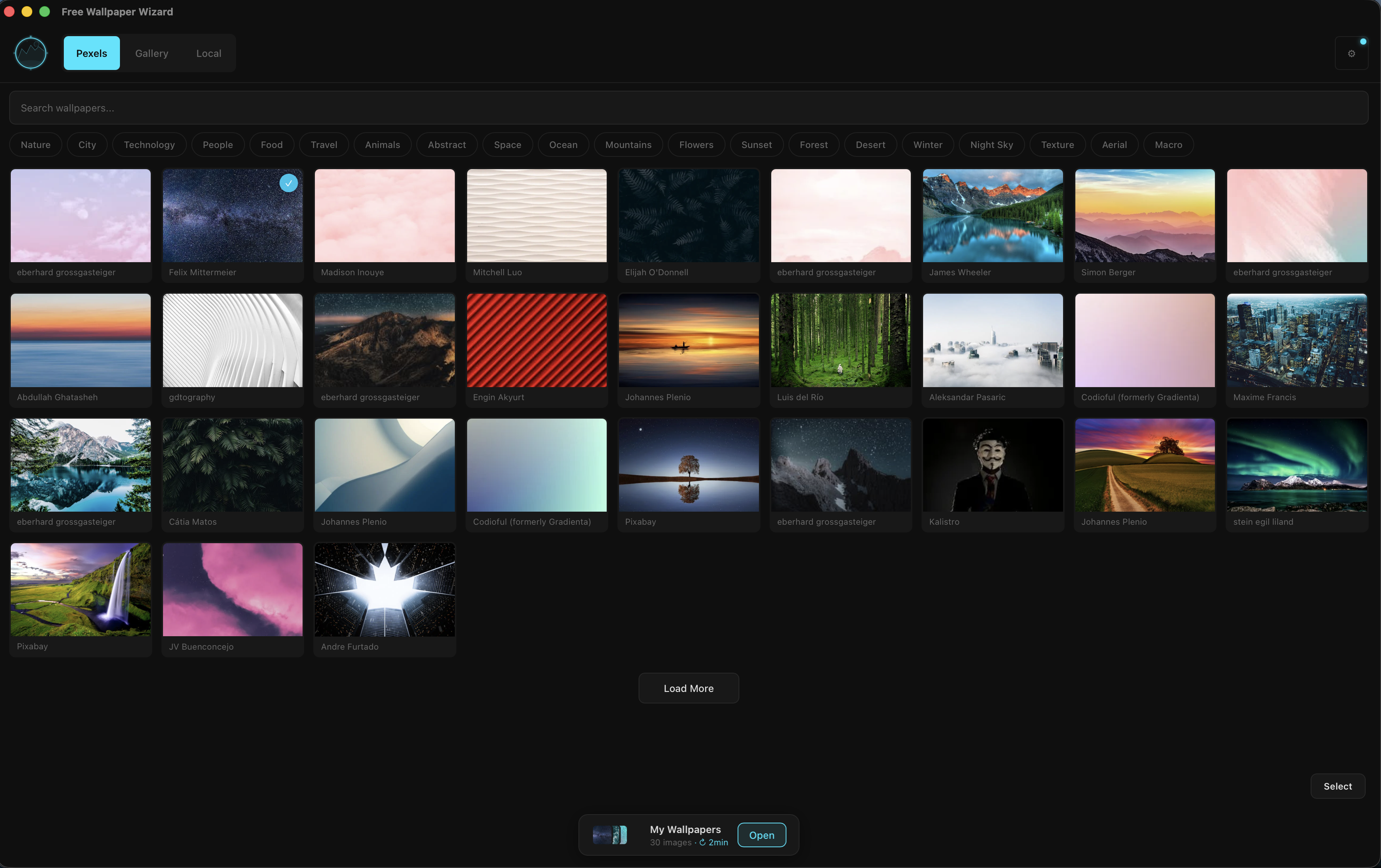
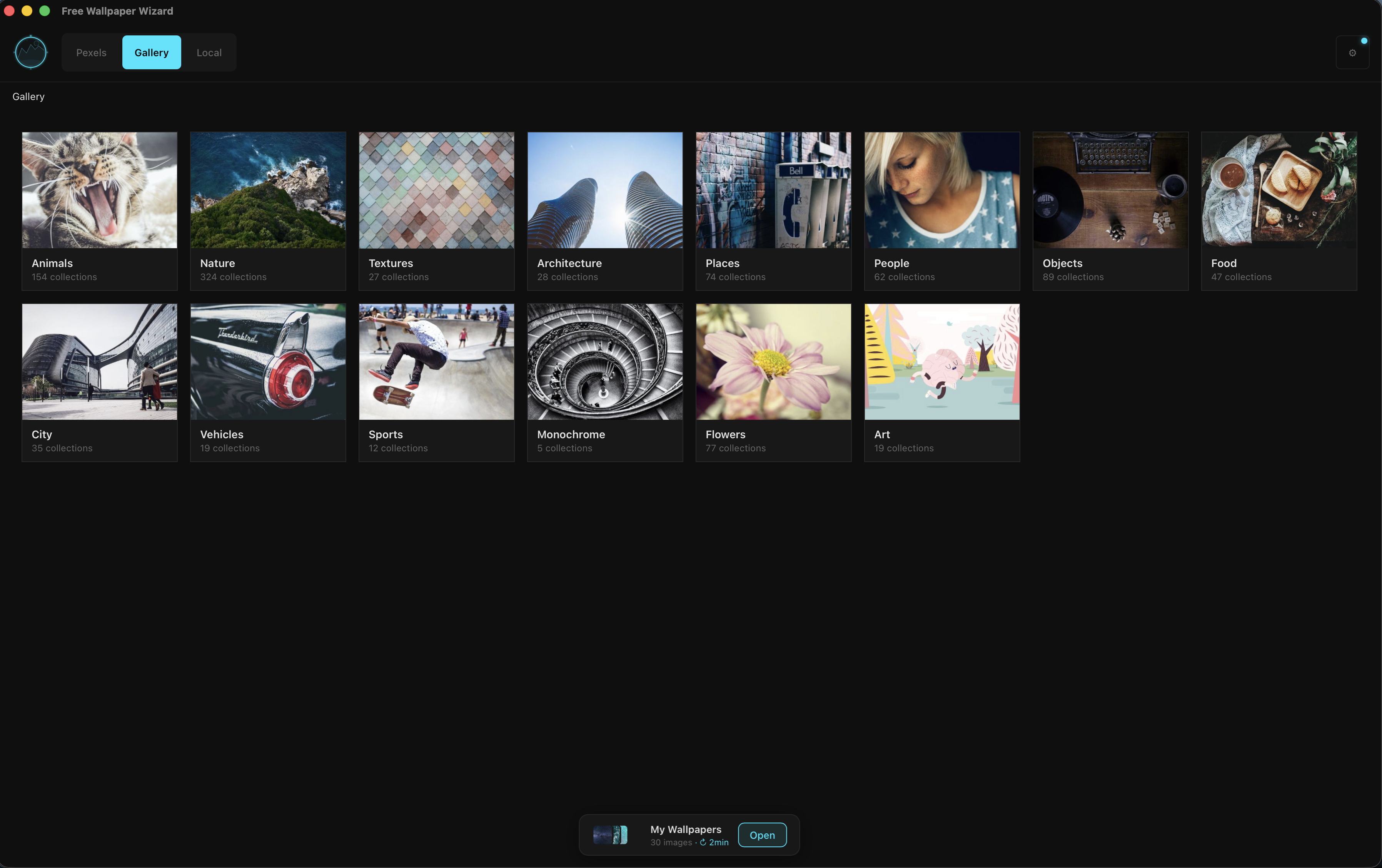
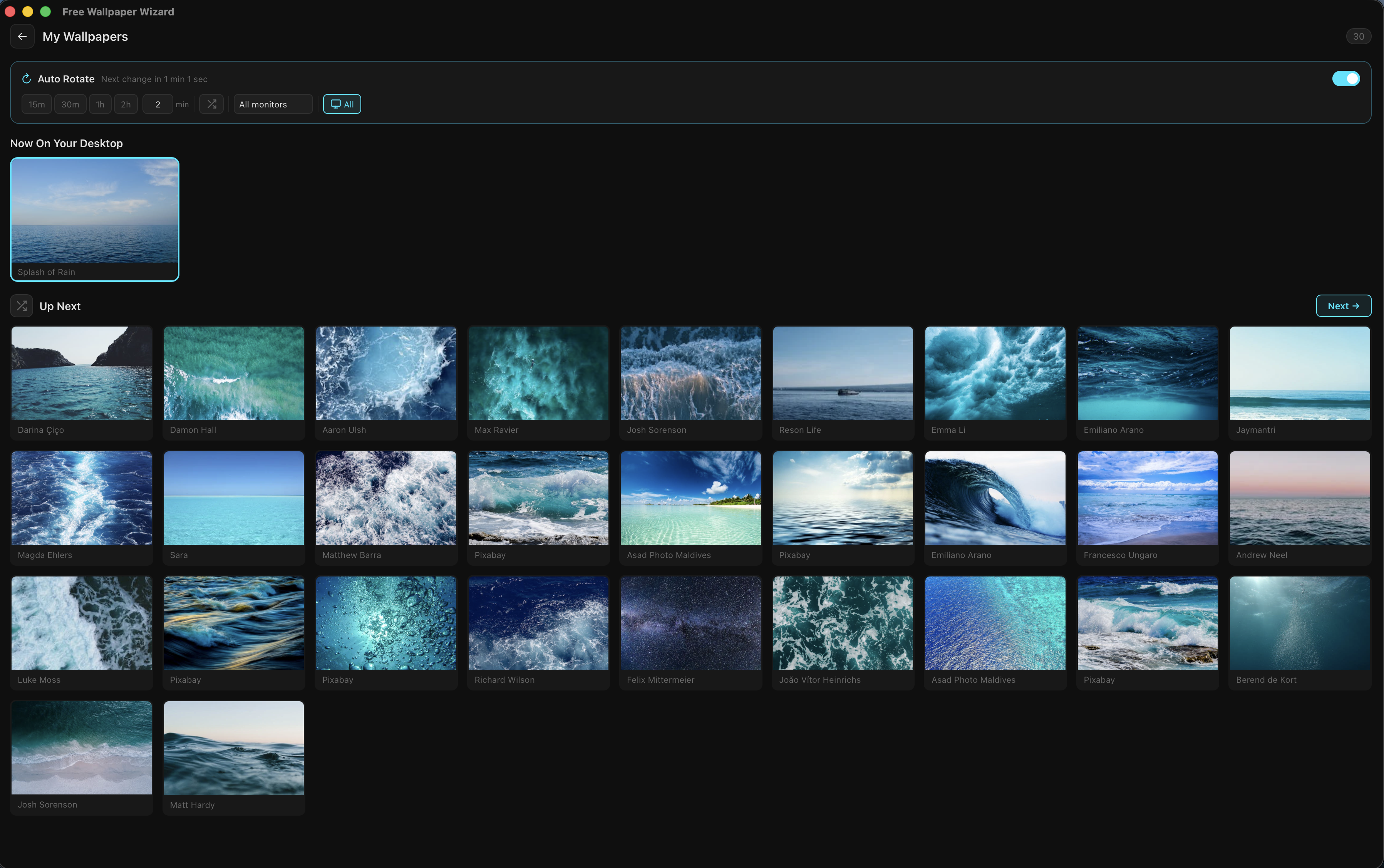
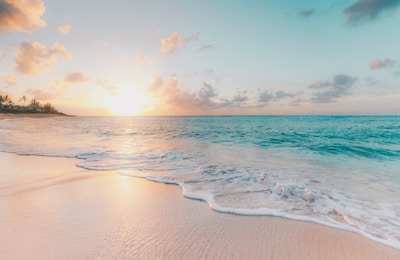
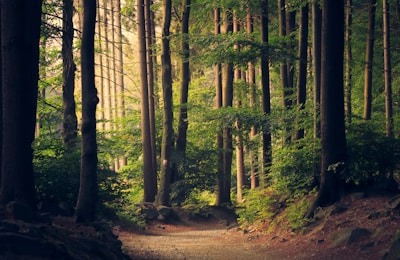
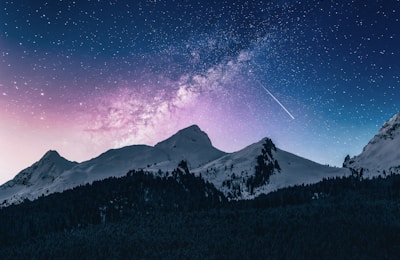
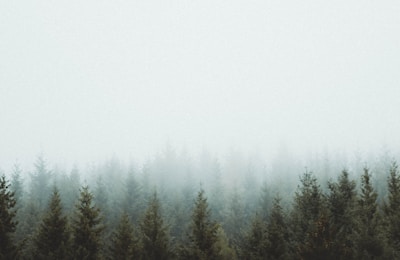
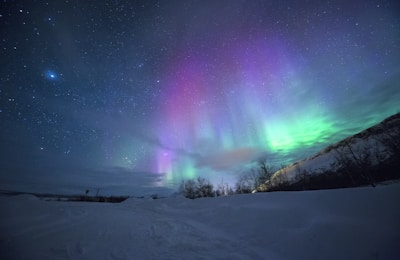
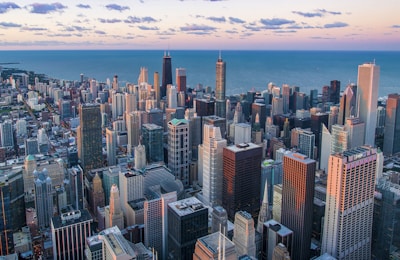
A Taste of What's Inside

Getting Started
-
1
Download
Download the DMG for macOS
-
2
Install
Drag to Applications and open
-
3
Connect Pexels
Add your free Pexels API key for search
Optional -
4
Set Wallpaper
Browse, click, done. Gallery and Local work immediately.
Requires macOS 13+ · Apple Silicon (M1 or later)
First Launch on macOS
This build isn't notarized by Apple yet, so macOS will show a security warning the first time you open it. Here's how to get past it:
- Double-click the app — you'll see a warning dialog. Close it.
- Open System Settings → Privacy & Security.
- Scroll to the bottom and find "Free Wallpaper Wizard was blocked".
- Click Open Anyway.
- Confirm in the dialog that appears.
Alternative on macOS 13/14: right-click (or Control-click) the app icon and choose Open. On macOS 15 and later, Apple removed this shortcut — use System Settings as described above.
Ready to Upgrade Your Desktop?
Free download. No account. No telemetry. Just wallpapers.